
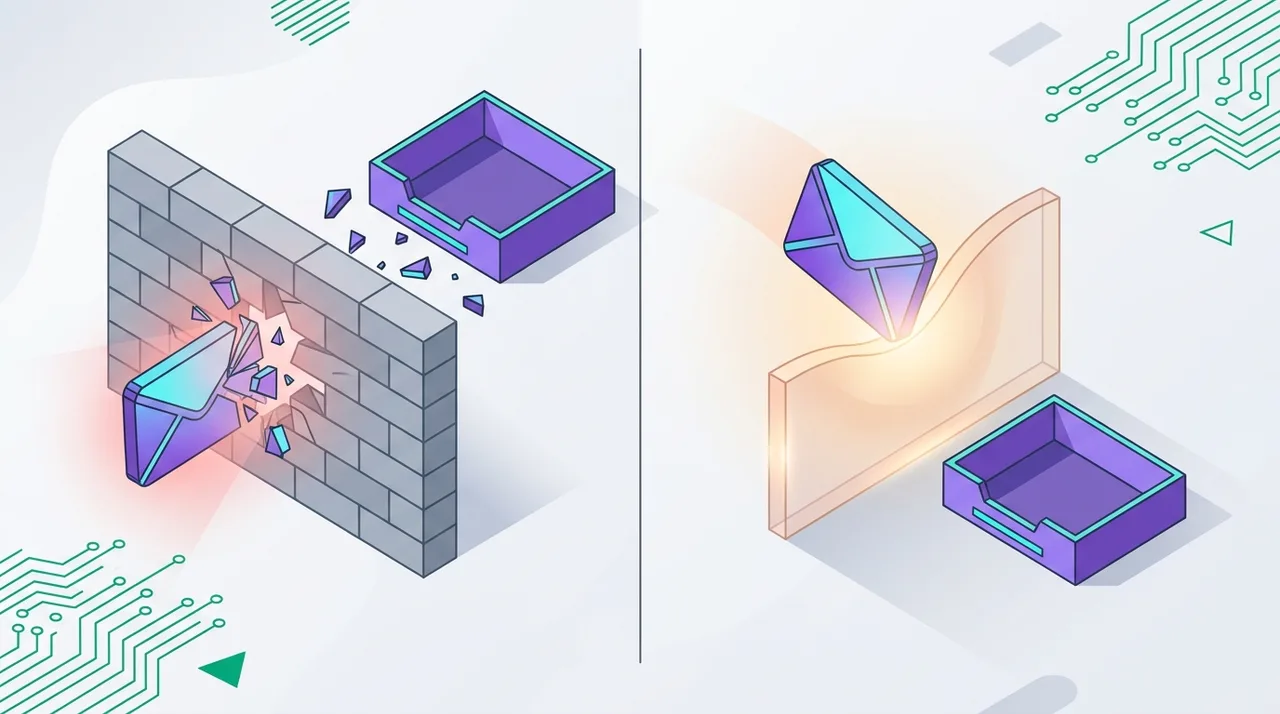
Every bounced email is a small message from the internet telling you something is wrong with your list, your infrastructure, or your sending practices. Ignore enough of those messages and mailbox providers stop listening to you altogether: your campaigns drift into spam folders, your domain reputation erodes, and your email program quietly stops producing revenue.
The good news is that bounces are one of the most diagnosable problems in email marketing. Every bounce comes with a machine-readable reason code, and once you understand the difference between a hard bounce (a permanent failure) and a soft bounce (a temporary one), you know exactly what to fix, what to retry, and what to remove. This guide covers the full taxonomy: what the SMTP codes mean, how mailbox providers punish senders who keep bouncing, and how to keep your own rate safely under 2%.
Key Takeaway
Hard bounces (5xx codes) are permanent — suppress the address immediately and never retry. Soft bounces (4xx codes) are temporary — retry a few times, then suppress if they persist. Keep your total bounce rate under 2%; pre-send validation is the only way to stop hard bounces before they happen.
What Is an Email Bounce?
A bounce is an email that could not be delivered to the recipient's mailbox and was returned — "bounced back" — to the sender. Technically, delivery happens through a short SMTP conversation between your sending server and the recipient's mail server. If the receiving server refuses the message, it answers with a numeric reply code that explains why.
Those reply codes follow a simple convention that has held since the earliest mail standards:
- 2xx codes mean success — the message was accepted.
- 4xx codes mean a temporary failure — "not now, try again later". These become soft bounces.
- 5xx codes mean a permanent failure — "never, stop trying". These become hard bounces.
On top of the three-digit reply, RFC 3463 defines enhanced status codes in a class.subject.detail format, which is why a real rejection usually reads like 550 5.1.1: 550 is the SMTP reply, and 5.1.1 pinpoints the cause ("bad destination mailbox address"). Your email service provider parses these codes — plus the human-readable text after them — to classify each failure as hard or soft in your campaign report.
Hard Bounces: Permanent Delivery Failures
A hard bounce means the message can never be delivered to that address. The receiving server did not defer the message — it rejected it outright with a 5xx code. Retrying is pointless and actively harmful, because every repeated attempt tells the mailbox provider that you do not manage your list.
Common causes of hard bounces
- The mailbox does not exist: the address was mistyped at signup, invented to get past a form, or belonged to an employee who left the company.
- The domain does not exist: the company shut down, rebranded, or the domain expired and no longer has valid MX records.
- The domain cannot receive mail: DNS is misconfigured, or the domain was never set up for email at all.
- The recipient's server blocks you outright: your IP or domain is on a blocklist, or a strict policy (for example, a DMARC reject) permanently refuses your message.
Hard bounce SMTP codes you will actually see
- 550 5.1.1 — mailbox does not exist. The single most common hard bounce; the local part before the @ is unknown on that server.
- 550 5.1.2 — bad destination domain. The domain cannot be resolved or does not accept mail.
- 554 — transaction failed / message rejected. Often policy-based: the server considers your message or your reputation unacceptable.
- 550 5.7.1 — delivery not authorized. A policy or authentication rejection; frequently tied to failing SPF, DKIM or DMARC checks, or to a blocklisted sending IP.
The correct response to any of these is the same: suppress the address immediately. Every reputable email platform does this automatically for confirmed hard bounces — but only after the damage of the bounce itself has been recorded against your reputation.
Soft Bounces: Temporary Delivery Failures
A soft bounce means the address is (probably) valid, but delivery failed this time. The receiving server answered with a 4xx code, which is an invitation to retry later. Most sending infrastructure will automatically retry a deferred message for up to 24–72 hours before giving up and reporting it as a bounce.
Common causes of soft bounces
- Mailbox full: the recipient's storage quota is exhausted (often reported as 452 or the enhanced code 5.2.2). Common on abandoned free-mail accounts.
- Server temporarily unavailable: the receiving server is down, overloaded, or undergoing maintenance (421, 451).
- Message too large: your email exceeds the recipient server's size limit.
- Greylisting: the server deliberately defers the first delivery attempt from an unknown sender and accepts the retry — a classic anti-spam technique.
- Rate limiting and throttling: the provider is slowing you down because you are sending too much too fast, or because your reputation is borderline. This is an early warning sign, not a random glitch.
- Content-based deferrals: some servers temporarily defer messages that trip content or attachment filters while deeper analysis runs.
When a soft bounce becomes a hard bounce
Soft bounces deserve patience — but not unlimited patience. An address that soft bounces on 3 to 5 consecutive campaigns is not experiencing a temporary problem; it is an abandoned mailbox or a server that will never accept your mail. Most major email platforms apply exactly this logic and convert repeated soft bounces into hard bounces automatically. If you manage your own suppression rules, mirror that behavior: retry, count, and suppress once the pattern is clear.

Hard Bounce vs Soft Bounce at a Glance
| Aspect | Hard Bounce | Soft Bounce |
|---|---|---|
| Definition | Permanent failure — the address can never receive this mail | Temporary failure — delivery may succeed on retry |
| SMTP codes | 5xx (550 5.1.1, 550 5.1.2, 554, 550 5.7.1) | 4xx (421, 450, 451, 452) |
| Typical examples | Mailbox does not exist, dead domain, blocklisted sender | Full mailbox, server down, greylisting, rate limiting |
| Reputation impact | High — a direct signal of poor list quality | Low individually, but persistent patterns signal trouble |
| Correct action | Suppress immediately, never retry | Retry automatically; suppress after 3–5 consecutive failures |
How Bounces Destroy Sender Reputation
Mailbox providers score every sender continuously, and bounce rate is one of the loudest signals in that score. The logic is simple: legitimate senders mail people who asked to hear from them, and those addresses exist. Spammers mail scraped, purchased and guessed lists — which are full of dead addresses. A high hard bounce rate therefore makes you look statistically indistinguishable from a spammer, regardless of your intentions.
What repeated bounces trigger at the ISP
- Filtering: more of your mail is routed to the spam folder, even for valid recipients who want it.
- Throttling: the provider slows your delivery rate, which you will first notice as a wave of 4xx deferrals — soft bounces caused by your own reputation.
- Blocking: at sustained high bounce rates, providers begin rejecting your mail outright, and your IP or domain can land on shared blocklists that other providers consult.
- ESP enforcement: email service platforms protect their shared infrastructure aggressively. Cross-industry benchmarks consistently place the pain threshold around 5% — accounts that repeatedly bounce above that level get reviewed, restricted or suspended.
The 2024+ bulk sender rules raised the stakes
Since February 2024, Gmail's bulk sender requirements (matched by Yahoo) hold anyone sending 5,000+ messages a day to a hard standard: authenticate with SPF, DKIM and DMARC, offer one-click unsubscribe, and keep the user-reported spam rate below 0.3% — with 0.1% as the recommended working target. Since mid-2024, senders above the 0.3% threshold are ineligible for mitigation, and Google has since escalated enforcement from temporary deferrals to outright rejections of non-compliant mail.
Bounce rate is not the same metric as spam rate, but the two travel together: a stale, unvalidated list produces both dead addresses (bounces) and uninterested recipients (complaints). In the post-2024 environment, sloppy list hygiene no longer just dents your open rate — it can get an entire domain shut out of the inbox. Our complete email deliverability guide covers the authentication side of these requirements in depth.
Note what those benchmarks imply: the average sender already keeps hard bounces near two per thousand emails. If your campaigns bounce at 3, 5 or 10 times that level, mailbox providers can see it — and they grade you against everyone else.
How to Diagnose and Fix Each Bounce Type
Diagnosing hard bounces
- Read the codes, not just the totals. A cluster of 550 5.1.1 means bad addresses entering your list — fix your signup forms. A cluster of 5.7.x policy rejections means an authentication or reputation problem — check SPF, DKIM, DMARC and blocklist status.
- Trace the source. Segment bounces by acquisition channel. A single purchased list, an old CSV import, or one leaky form usually accounts for the majority of bad addresses.
- Block bad data at the door. Use double opt-in and real-time validation on every form, so typos like "gamil.com" are caught while the user can still correct them.
Diagnosing soft bounces
- Look for patterns by domain. If soft bounces concentrate on one provider, you are likely being throttled or greylisted there — slow your ramp-up and check your reputation with that provider's postmaster tools.
- Check message size and content if bounces mention size limits or content policies.
- Watch the trend line. A slowly rising soft bounce rate across providers is often the first visible symptom of reputation decay — investigate before it hardens into 5xx rejections.
Automate your bounce handling
Manual bounce management does not scale. A sound automated policy looks like this:
- Hard bounce → suppress immediately and permanently, across all campaigns and systems.
- Soft bounce → retry with increasing intervals for up to 72 hours per message.
- 3–5 consecutive soft bounces → reclassify as hard and suppress.
- Sync suppressions everywhere. Feed bounce data back into your CRM via webhooks or API so a suppressed address cannot be re-imported by the next campaign. AT Valid integrates with Salesforce, HubSpot, Mailchimp, RD Station, Pipedrive and Zapier, and exposes a REST API and webhooks precisely so suppression and validation status stay consistent across your stack.
- Alert on thresholds. Trigger an internal alert when any single send exceeds a 2% bounce rate, and pause sending at 5% until the cause is found.
Prevention: Stop Hard Bounces Before You Ever Hit Send
Everything above is damage control. The structural fix is simpler: never send to an invalid address in the first place. Post-send bounce handling tells you an address was bad after your reputation already paid for the lesson; pre-send validation removes the bad address while it is still just a row in a spreadsheet.
A modern validation service checks each address the same way a receiving mail server would — syntax, domain existence, MX records, and SMTP-level mailbox verification — plus risk signals such as disposable domains, role accounts and catch-all servers. AT Valid runs 20+ verification checks per address with 99.5% accuracy, which means the addresses that would have produced 550 5.1.1 rejections simply never make it into your campaign.
Combine pre-send validation with ongoing list maintenance — regular re-validation of older segments, sunset policies for unengaged contacts, and clean acquisition practices — and a sub-1% bounce rate becomes routine. Our guide to email list hygiene best practices lays out that maintenance schedule step by step.
AT Valid Advantage
Validate your list before your next campaign and watch hard bounces approach zero. Create a free account and get 200 validation credits — no credit card required.
Conclusion
Hard bounces and soft bounces are not interchangeable annoyances — they are two different diagnoses requiring two different treatments. Permanent 5xx failures demand immediate, automated suppression; temporary 4xx failures deserve measured retries and pattern monitoring. Both feed directly into how Gmail, Yahoo, Outlook and every other mailbox provider scores you, and under the post-2024 bulk sender rules, that score decides whether your mail reaches the inbox at all.
Ready to make hard bounces a non-event? Start with 200 free credits on AT Valid, validate your list before the next send, and keep your bounce rate where mailbox providers expect it: under 2%, campaign after campaign.